Litigators keep a chart for every case. It lists each claim in the lawsuit, the elements that have to be proven, and the evidence for each. They build it by hand across thousands of documents and update it as the case changes.
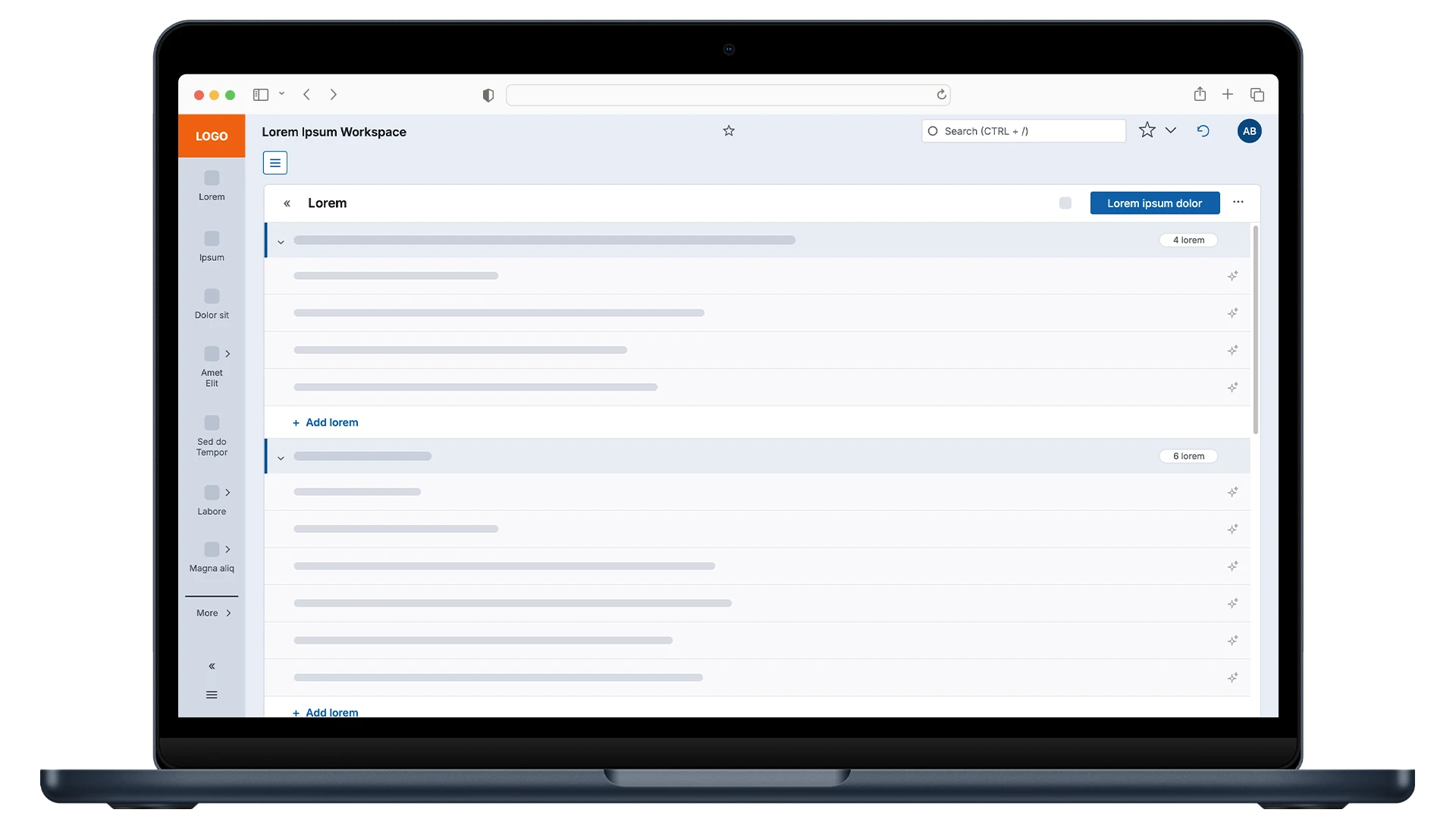
An AI agent can draft one in minutes. I picked up the design from the proof of concept and took it to V1. I worked out what attorneys check, edit and re-run after the AI drafts, and how they know what to trust. I designed in the production codebase with Claude Code, and engineering built V1 from my branch.
An AI tool litigators can edit, verify, and trust
As a UX design intern at a legal-tech company, I took an AI feature for litigators from proof of concept to V1 by prototyping in code with Claude Code.
Legal tech • 2026
UI/UX
AI
Prototyping
B2B
Overview
Designed the V1 of an AI tool that maps a lawsuit's claims to the evidence for them, and how attorneys review what it drafts.
- 3 moprototype to V1
- 5design reviews
- 500results in one element, stress-tested
- 1codebase for design and engineering
- Role
- UX Design InternInteraction design, Prototype in code, Present in design reviews
- Team
- Design lead, PM, Engineering, Applied science, Legal experts
- Timeline
- 3 monthsSummer 2026, built for early access
Understand
Learned how litigators chart a case by hand from a legal expert's example case and the proof of concept.
Prototype
Designed in the production codebase with Claude Code, so every review looked at working software.
Defend
Took each decision through review with product, engineering, applied science and the AI assistant's team.
Hand off
Gave engineering a V1 to build from and moved what couldn't fit into a plan for V2.